Thursday, 9 May 2013

Here it is, the long awaited Nemesis ROM for the Samsung Galaxy Young which a lot of people were waiting for. You won't find this released at xda-developers this time but only in their official page and fan sites.

Now enough talk, let's take a look at what we have here.
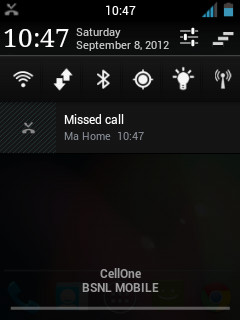
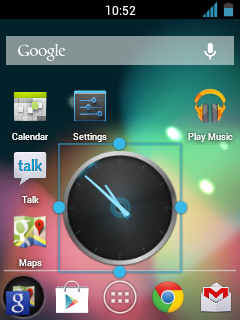
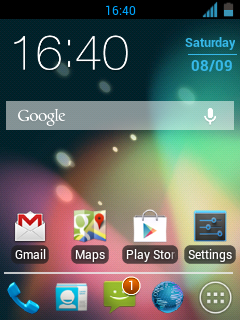
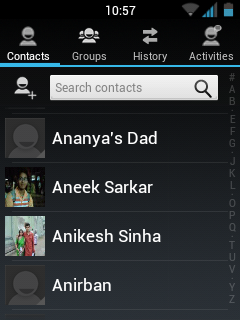
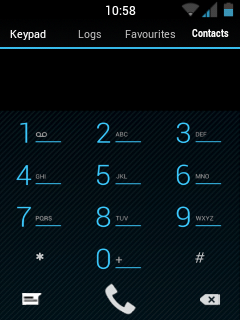
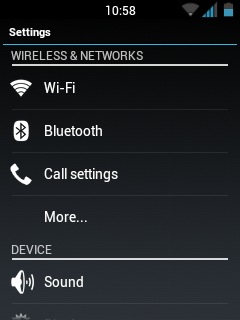
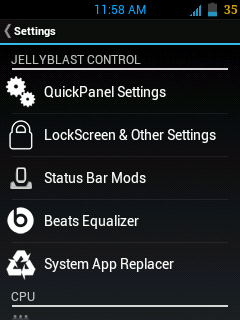
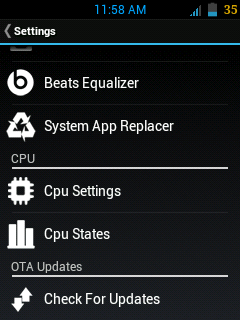
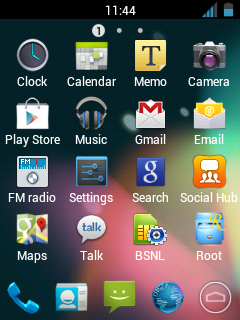
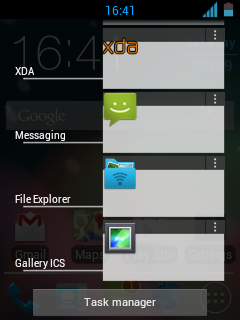
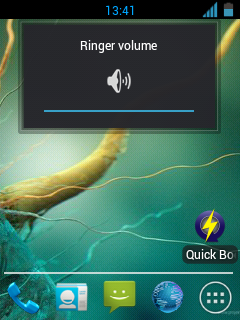
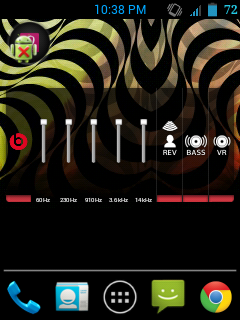
Below are official images by devs: 

I can't post all of the content here because it would make the post very big so to see alot more screenshots and features explained, please visit:
http://www.nemesisdevs.tk/?page_id=13 

Downloads: 
Nemesis One v1:
http://www.mediafire.com/?mlzcfcdh5jrfbal

Nemesis One v1.1 (HD):
http://www.mediafire.com/?0a0rhr96q3qjxpl
    What does the v1.1 (HD) contain?
    • Removed bloatware. ( almost 20 mb removed )
    • New HD Screen Drivers.
    • WiFi error fixed. No need to flash drivers anymore.
    • Seeder included to increase entropy.
    • Claimed to be even more fast!
     Disclaimer:
    Doing the below procedure could lead to damaging your phone (soft-brick).
    GalaxyYArchive will not be responsible for any unrecoverable damages, loss of data and other possible consequences, do this at your own risk!
    Instructions:
    1. Boot into recovery mode then flash CWM recovery - Click here to download CWM
    2. Wipe cache and data
    3. Once in recovery mode, go to mounts and storage, and mount everything possible (sd-ext may give an error but ignore it)
    4. Then finally go back, then go to install zip from sdcard -> choose zip from sdcard - Choose the nemesis zip file which you choose to download
    5. Select yes when asked
    6. Follow the AROMA installer, it should be as easy as installing software on your computer
    7. Choose to install stock kernel.
    8. After installation of it is complete, go back to CWM (first make sure that everything is mounted again) and then again, flash the nemesis zip file to get back to the installer
    9. Now choose to install the Nemesis kernel.
    10. After installing the kernel, you are back in CWM recovery, then go to mounts and storage and again be sure to mount everything, then flash the zip file for wifi drivers fix - Click here to download.
    11. After installation is complete, again make sure everything is mounted, flash the nemesis installer zip and then finally choose to install the nemesis rom (you may enable the reboot option once installer is finished)
    12. After it is installed, your phone will reboot 
    13. Enjoy the rom and please post some feedback in the comments for the rest to see
    If you keep getting stuck on the Samsung Galaxy Y logo, skip the Nemesis Kernel installing step and you should be fine. 

    Read more: http://www.galaxyyarchive.info/2013/02/rom-nemesis-one-for-galaxy-y.html#ixzz2SmKxF1hS


    OFFICIA SITE   : http://www.nemesisdevs.tk

    HD Custom Rom For GALAXY Y !!!!!!!!


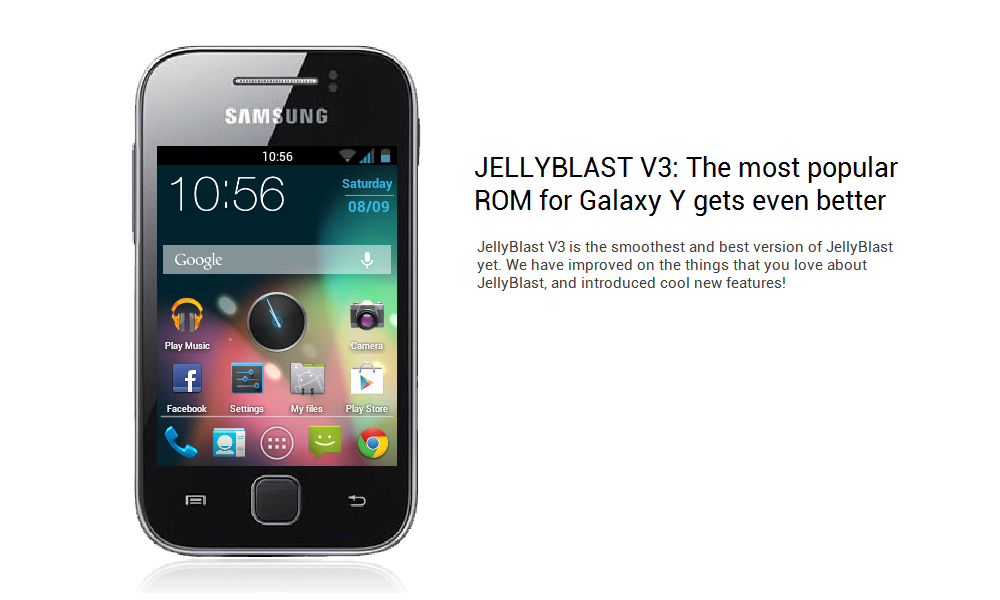
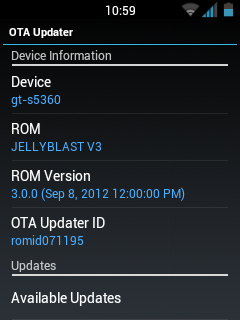
    [CUSTOM ROM] [KERNEL] [ICS/Jelly Bean mod] [Update 19/11/2012] JELLYBLAST V3.0.4 for Galaxy Y(GT-S5360)!! 


    After total 20,644 downloads of version 2 , I proudly present to you, JELLYBLAST V3, the BEST PURE JELLYBEAN THEMED ROM for Galaxy Y !!!

    Please read instructions carefully before installing, don't blame me if you follow instructions wrongly.


    NEW COOL FEATURES:
    • Based on DDLF1, but compatible with any version!
    • Totally Dark Jelly Bean themed.
    • Each and every icon fine tuned to look like Jelly Bean.
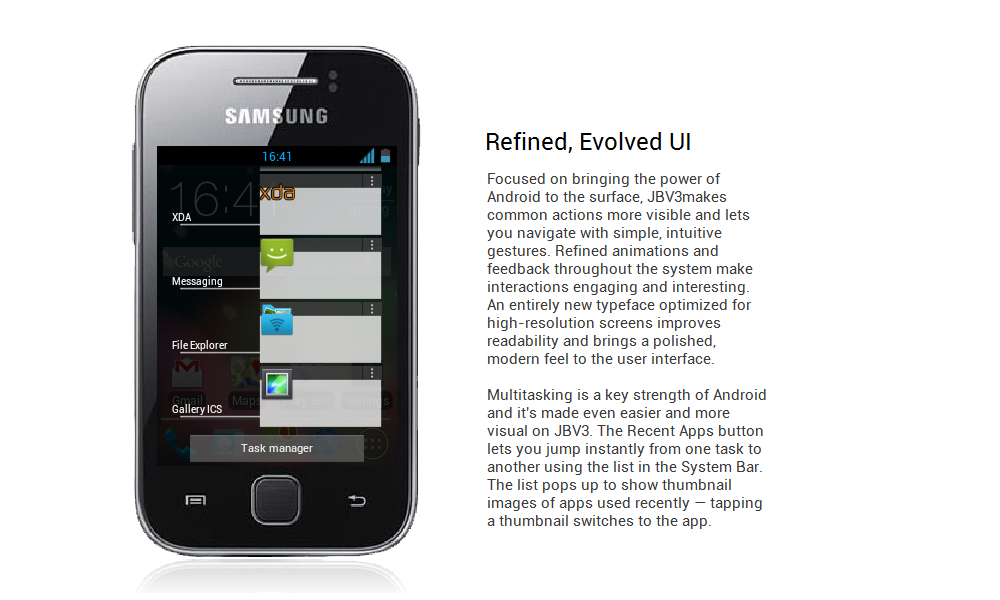
    • A new Jelly Bean task manager ( Recent apps list).
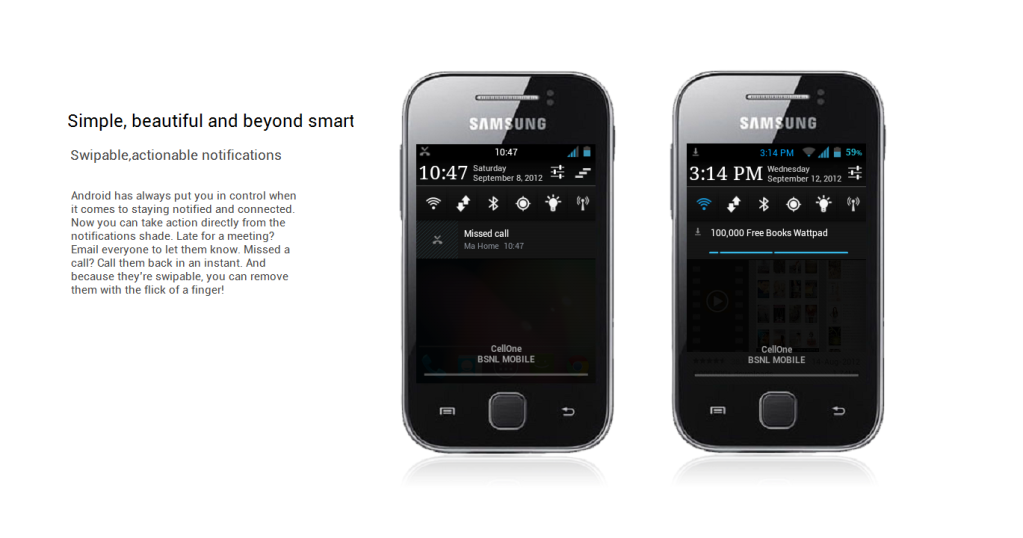
    • Added Swipe to clear notifications on Status Bar.
    • ROBOTO as system font.
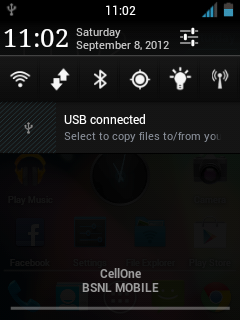
    • A new, AWESOME JELLYBEAN status bar and notification panel.
    • New music app based on stock Touchwiz, but contains DSP equalizer support.
    • NEW LOCKSCREENS- Never miss a chance to show off your cool lockscreen.
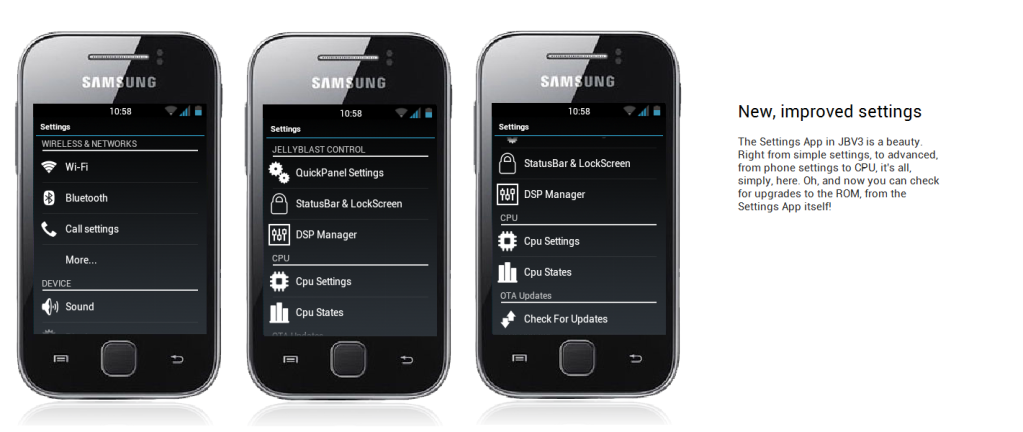
    • OTA FEATURE added. Now users can automatically update the ROM from OTA upgrades, in the settings menu.
    • A TOTALLY REVAMPED SETTINGS MENU ,With the following new controls : Statusbar Control, Lockscreen Control, Sound Effect Control, and Quick Toggles Control...finally, your phone is truly yours!
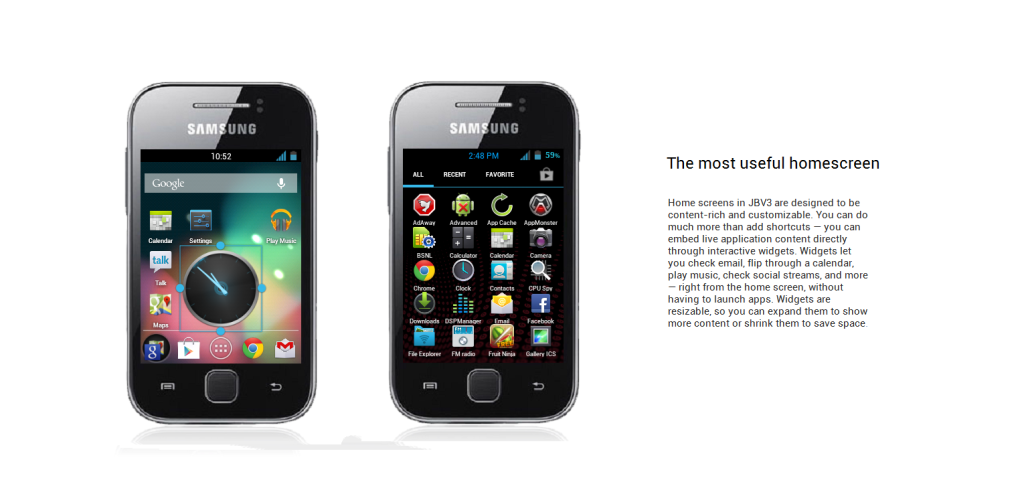
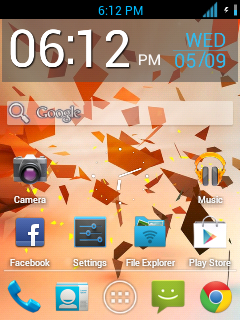
    • New Jelly Bean Digital Clock, analogue clock, and Jelly Bean Search Bar.
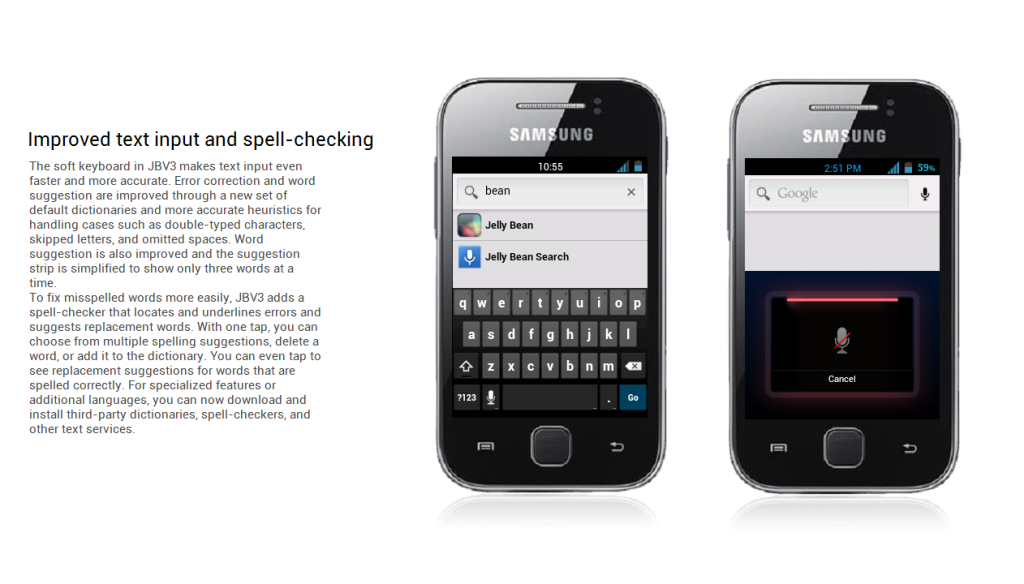
    • New smarter JellyBean keyboard.
    • Extented power menu: Now those long processes are long no more!
    • Zero delay root access...try and see!
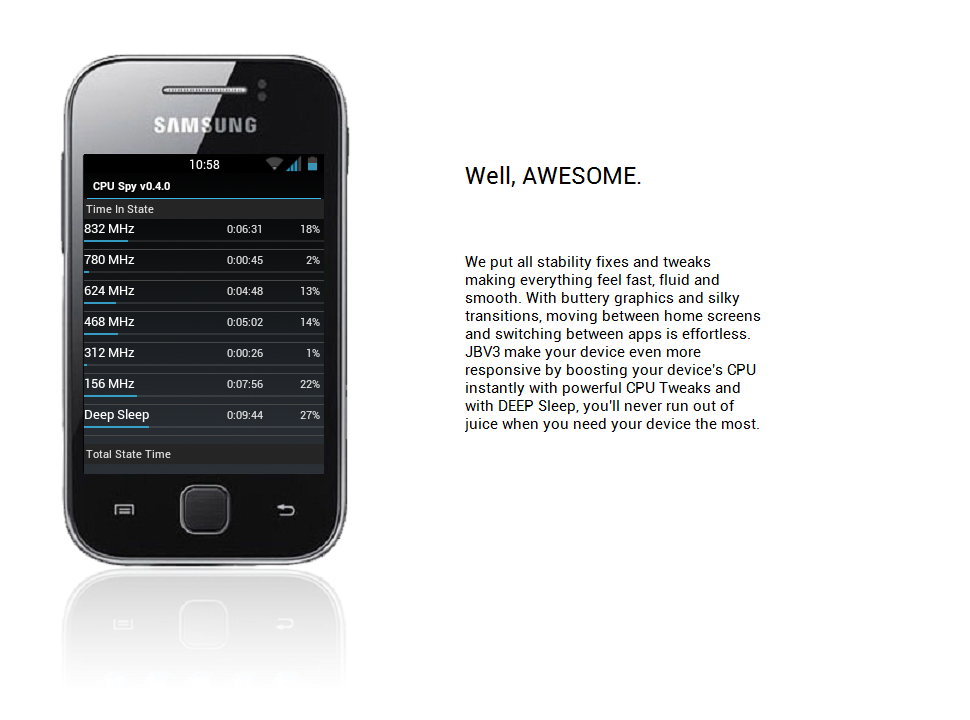
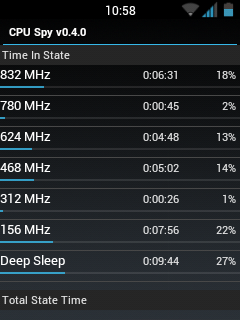
    • NEW KURO KERNEL, be it more power for gaming, or power saving mode for Deep Sleep, Kuro kernel takes care of your batteries in the best possible way.
    • Battery life megaboosted, last upto 2 days in power saving mode!
    • CPU control feature added....high performance or underclock...choice is yours!
    • CRT animation added in Lockscreen, and other Superfast Jellybean animations!!!! Set animation speed to fast under "Lock screen and Other Settings" and see the increase in speed! Go zoom zoom zoom!!!
    • Kernel is suitable for everyone: default settings (conservative + sio ) is battery saving, while bcm + cfq settings give power boost: Antutu score 2000+ without any extra tweaks!
    • Improved memory management.
    • Two awesome launcher choices: You get both HOLO LAUNCHER, and the STOCK Touchwiz launcher, which is Jelly Bean themed.
    • ICS themed Swype keyboard. (look under Troubleshooting to download)
    • Full Screen Caller Mode: Now see your friends in FULLSCREEN while calling them.
    • SONY BRAVIA ENGINE added...your pictures are clearer than before!!
    • MULTILANGUAGE: Cestina , Dansk, German, Dutch, English ( US, UK) , Spanish, Estonian, French, Gaeliege, Hravatski, Islenska, Italiano, Kazakh, Latviesu, Lietuviu, Macedonian, Magyar, Nederlands, Norsk, Polski, Portuguese, Ronan , Slovencina, Srpski, Suomi, Svenska, Turkish, Thai, Greek, Chinese, Russian, Hebrew. For Arabic support, look in the "JellyBlast addons" section below. You can use the 13th Sept link.
    • Net speed tweaks: Increase your net speed.
    • Superfast Chrome browser included.
    • New superb bootanimation.
    • LOTS OF THEMES AVAILABLE UNDER "JELLYBLAST THEMES " BELOW!!!! (4th post).
    • More cool addons available under "Jellyblast Addons" below!
    • Enjoy!!!!

    JELLYBLAST CORE TOOLS:
    • bacem_tweak: This feature adds undervolt support to your phone. The default value of undervolt is -20mV, but you can undervolt it to -100mV.
    • droidwall_modules: A feature like Windows firewall, protects your phone!
    • darky_zipalign: This auto zipalign happens at every boot, and optimizes files.
    • KURO 1 and KURO 2 tweaks: Includes a host of features like:
      # perfect mount
      # sdcard speed bost to 2048
      # kernel kick ( KAK)
      # OOM
      # network boost
      # auto cache cleaner
      # minfree
      # i/o related tweak
      # vacuum

      # 3g mod
      # battery mod n media
      # performance ( remove by flushing and purging)
      # Disable debugging notify icon on statusbar
      # Disable blackscreen issue after a call
      # Phone will not wake up from hitting the volume rocker
      # Enable display Dithering
      # For SD storage insert notificationsound
      # journalism disabler


    JELLYBLAST ADVANCED FEATURES:
    • Audio Enhancements:

      i. BEATS™ audio for Marvellous, crisp sound. ( remember to exclude it from your task killer)
      ii. SONY XLOUD™ enhancement for controlling sound distortion in high sound levels.
      iii. SRS WOW® HD.
      iv. Dolby Digital 3D surround sound.
    • SONY CYBERSHOT™ Camera enhancements: Clearer image even after zoom and larger image size ( 100%). Adapted from Cybershot mod by Rizal Lovins.
    • Built in ADBLOCKER
    • HD Contact Image support
    • StatusBar Greper
    • Super battery saving tweaks by default ( if you don't care about battery life, and want a blaaazzzziiiinnngggg fast device, simply change CPU settings tobcm+ cfq or bcm+ noop) .
    • More coming after every update!!!!


    ( Please do not mirror):[/U][/B][/SIZE][/COLOR][/URL]


    INSTALLATION GUIDE:
    • Root your phone. If already rooted, proceed to the next step.(How to root or unroot Galaxy Y-click here)
    • Make sure that you're on Stock kernel. Stock = Factory version ( The kernel that came while buying the phone). If you haven't changed kernel, ignore this warning.
    • If your'e NOT on Stock kernel, either flash stock kernel, or open the JELLYBLASTV3.signed.zip on your pc, delete boot.img from it, and then flash the zip. In that way, you'll be able to use ANY kernel you already have.However,it is always advisable to start from stock in order to eliminate any possible runtime errors.
    • Remove a2sd or data2sd and format your 2nd partition if you have it.
    • Place the above file to your sd card (NOT IN ANY FOLDER!!!)
    • Switch off your phone.
    • Go to Clockwork mode. If you don't know what is CWM, click here. This is important, because CWM is necessary, or you won't be able to boot up with the new Kernel. Use the CWM I have given above, for best results.
    • Use the volume keys to move up and down.
    • Wipe data and cache and Dalvik cache.
    • Now choose: Install zip from sd card.
    • Choose JELLYBLAST V3.signed.zip
    • Choose "yes"
    • It will be Installed. Now reboot your phone. First boot will take time. Be patient.
    • If you have followed EVERYTHING above carefully, you will soon boot up to your new rom.
    • Please wait until media scanning is completed.
    • Enjoy!!!  :P


    IF YOUR PHONE GET BRICKED   :

    Flash galaxy y stock rom with odin 


    1. For this process you need to have a pc . Firstly download this zip file .
          here

    2. Now extract it and open odin .exe

    3. Now you have to enter the download mode of your mobile i.e., press volume down button + menu button + power button at the same time .

    4. You will be asked to press volume up to continue . press volume up . You will enter download mode and it will look like this .

    5. Now connect your android mobile to pc using usb cable . Odin will recognise it and will turn yellow at      as shown in figure .

    6. Now select   

        PDA button – look for the file with the letters PDA or CODE on it,
         like PDA_S6102XXXXX.tar.md5 (also .tar support)

        PHONE button- look with the word MODEM file,
        like MODEM_S6102XXXXX.tar.md5 (also .tar support)

        CSC button – associated also with letters CSC or Multi_CSC,
        like GT-S6102OXXXXX.tar.md5 (also .tar support)                                            

     and then press start . Make sure not to turn off pc until the total process is complete . Else your
     phone may become useless .

    7. It takes 2-5 minutes and then the android reboots and you will see "pass" with green colour on the odin . Then take off your mobile from pc .

    8. It could work properly . If it keep on rebooting now , enter recovery mode and wipe factory data and cache partition . It will work .


    If you did all these and your android did not start better take it to manufacturer. These are all the methods i know of .